Product family

Two products, two different business workflows.

Zyvlon is designed for self-service ecommerce launches. Restaurant POS is demo-led because restaurant setup depends on staff roles, service flows, devices, and operational fit.

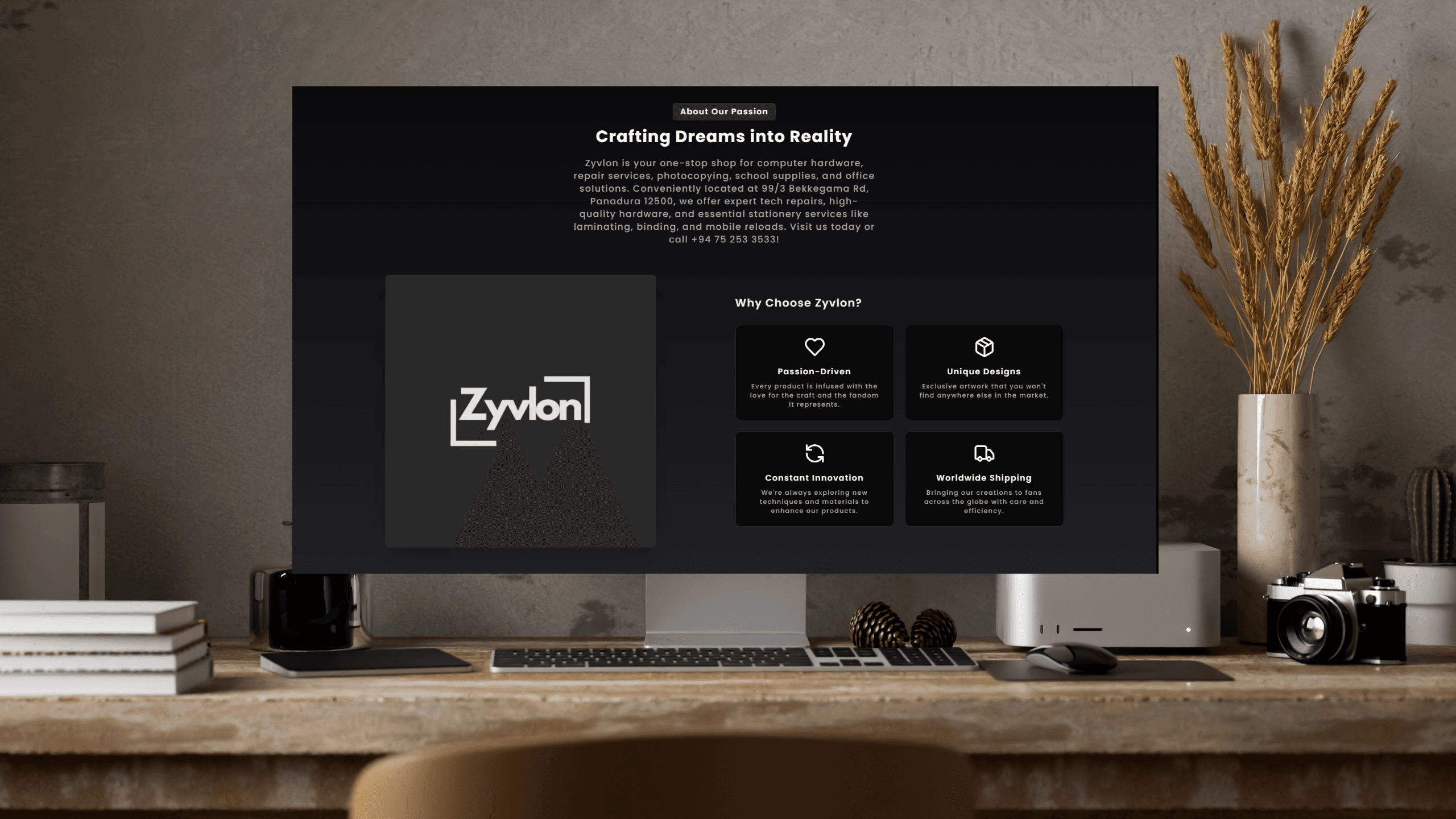
Zyvlon merchant dashboard preview

Zyvlon SaaS Ecommerce

Ecommerce platform

Beta

Launch a branded store, manage products, and grow from a free plan.

Best for

Small retailers
Creators and makers
Local merchants moving online
  • Automatic merchant workspace - Registration creates an organization, store, owner membership, platform subdomain, starter settings, free subscription, SEO defaults, and a published starter theme.
  • Catalog and inventory controls - Products support categories, variants, images, pricing, stock, SKU fields, pre-order flags, offers, and published status controls.
  • Cart, account checkout, and orders - Customer accounts, carts, coupon application, order creation, purchase records, and order management routes are implemented.
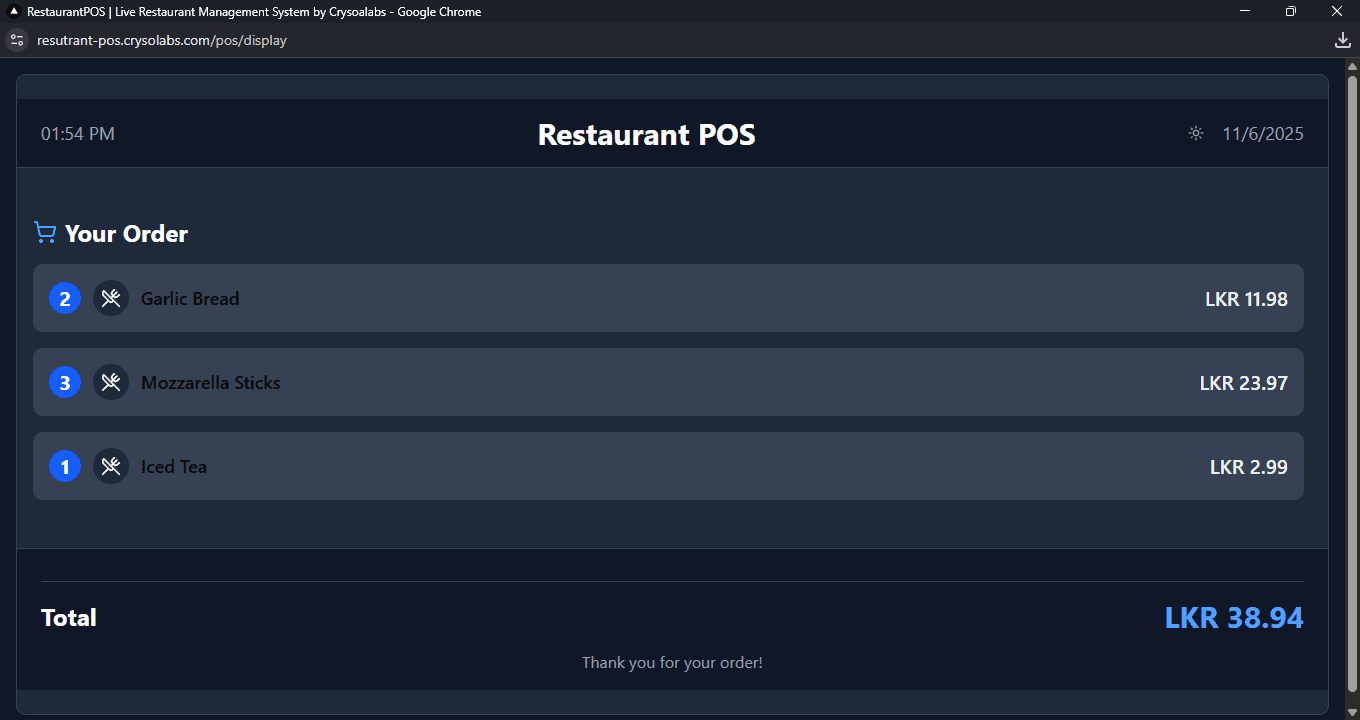
Restaurant POS cashier interface

CrysoLabs Restaurant POS

Restaurant operations platform

Early access

Run cashier orders, kitchen status, menu inventory, staff access, and reports from one workspace.

Best for

Cafes and quick-service restaurants
Casual dining teams
Small restaurant groups
  • Cashier POS terminal - The POS screen supports searchable categories, item cards, cart quantity controls, table and customer fields, order channels, queued-order indicators, and a send-to-kitchen action.
  • Kitchen display workflow - Kitchen staff can view new, in-progress, and completed orders, update statuses, reconnect realtime events, and fall back to polling.
  • Menu-linked inventory - Menu items connect to inventory items; order creation validates menu ownership and decrements linked inventory stock.

Positioning

They are not competitors. They solve different operating moments.

Zyvlon is about launching and growing commerce. Restaurant POS is about coordinating service, staff, stock, and daily visibility.

Dimension
Zyvlon
Restaurant POS
Target user
Small merchants and creators
Restaurant owners, managers, cashiers, and kitchen staff
Main outcome
A hosted branded online store
Cleaner restaurant service operations
Primary transaction
Customer cart to ecommerce order
Cashier order to kitchen preparation
Activation event
Store created and first product published
Menu configured and first order sent to kitchen
Self-service fit
High
Medium; demo and setup recommended
Premium path
Domains, catalog scale, SEO, analytics, staff
Reports, mobile analytics, desktop app, operating limits

CrysoLabs advantage

Products with a shared engineering spine.

The products differ by market, but they share the same product discipline: tenant-aware data, operational dashboards, business workflows, and upgrade paths.

Built from working product code

The public copy is based on routes, schemas, actions, APIs, and client flows that exist in the product repositories.

Data and operations first

Both products include dashboards, structured data models, and operational workflows rather than only static marketing pages.

Plan-aware SaaS foundations

Each product has account, tenancy, subscription, limits, and role-aware access patterns in place.

Product consultation

Choosing between a self-service store and an operational rollout?

Tell us which workflow you are trying to improve. We will point you to the right product path and be honest about what is ready today.